
Never Overpay Again with Google Flight Alerts
The Real Cost of Not Using Google Flight Alerts
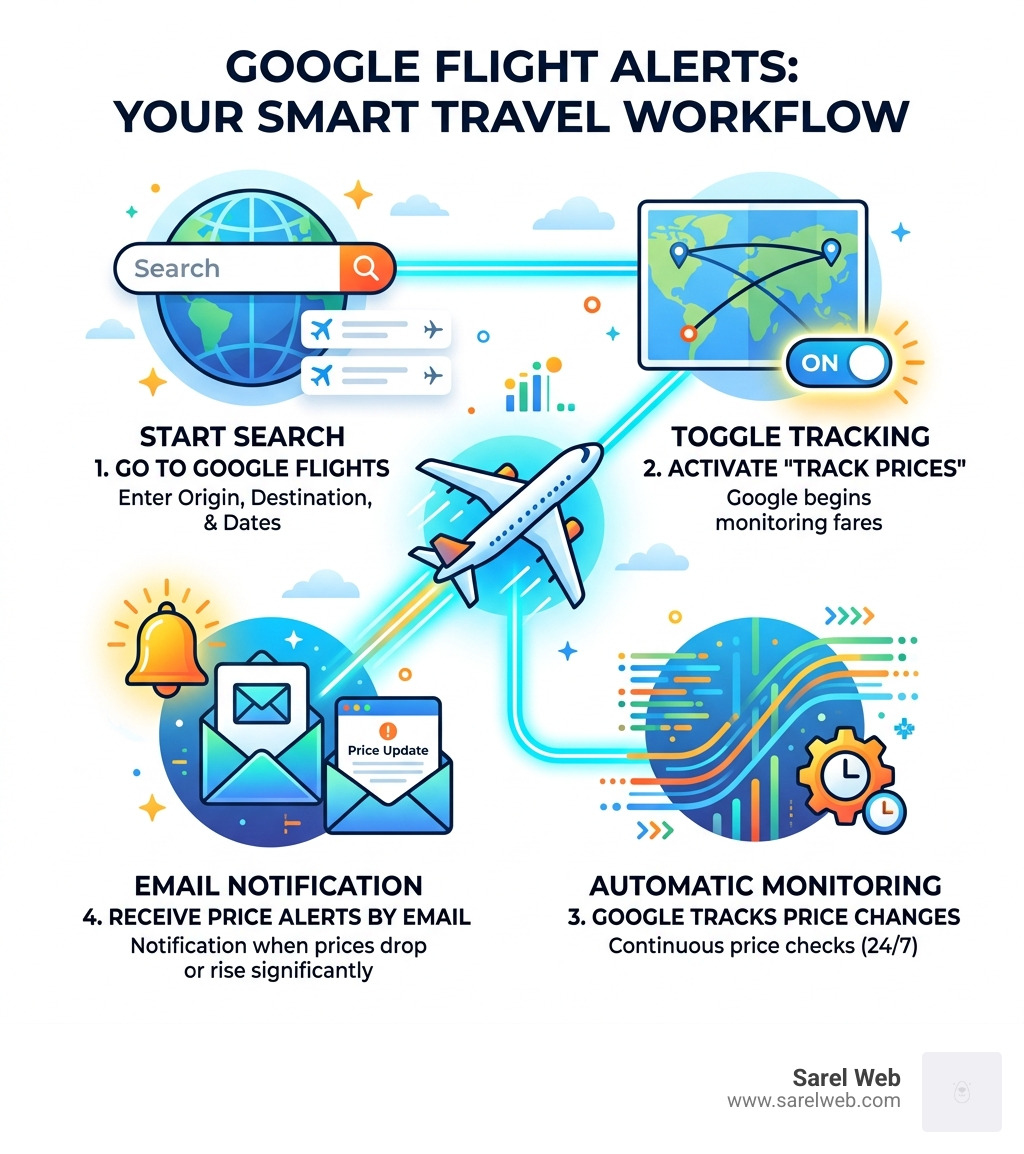
Google flight alerts are one of the smartest free tools available to budget travelers in 2026. Here’s a quick breakdown of how they work:
How Google Flight Alerts Work — Quick Answer:
- Go to Google Flights
- Enter your origin, destination, and travel dates
- Toggle on “Track prices”
- Google emails you when the price changes significantly
- Rebook if the price drops — many airlines let you do this for free
Flight prices are unpredictable. Airlines can change fares up to five times a day. That means the price you see at 9am could be gone by noon — and a better one could appear by evening.
Most travelers either book too early, book too late, or just guess.
There’s a better way.
Google Flights has a built-in price tracking feature that watches fares for you and sends an email the moment something changes. You don’t have to keep refreshing. You don’t have to wonder. You just get notified.
“Will prices for my flight drop, or should I book now?” — It’s one of the most common questions when booking airfare, and one of the toughest to answer.
That question doesn’t have to feel like a gamble anymore. Whether you have fixed travel dates or total flexibility, Google flight alerts can help you stop overpaying and start traveling smarter.
Mastering Google Flight Alerts for Budget Travel
At Sarel Web, we believe that discovering the world shouldn’t require a second mortgage. Mastering google flight alerts is the first step toward that goal. This tool is essentially a personal travel concierge that monitors millions of data points every second to ensure you never pay a penny more than necessary.
When you Track and Compare Flight Prices – Google Flights , you are tapping into Google’s massive database of real-time flight information. The system doesn’t just look at the price today; it looks at the price history. It knows if the $400 ticket you’re eyeing is a “good” price based on what that same route cost over the last six months.
To get started, you simply need a Google Account. Once logged in, the “Track Prices” feature becomes your best friend. When a significant drop occurs, you’ll receive an email notification. Google defines “significant” based on historical volatility, so you won’t be spammed every time a fare fluctuates by a single dollar. Instead, you get alerted when there is a meaningful opportunity to save.
How to Set Up Your First Price Tracker
Setting up your first tracker is a straightforward process, but doing it correctly ensures you get the most relevant data. First, navigate to the Google Flights homepage.
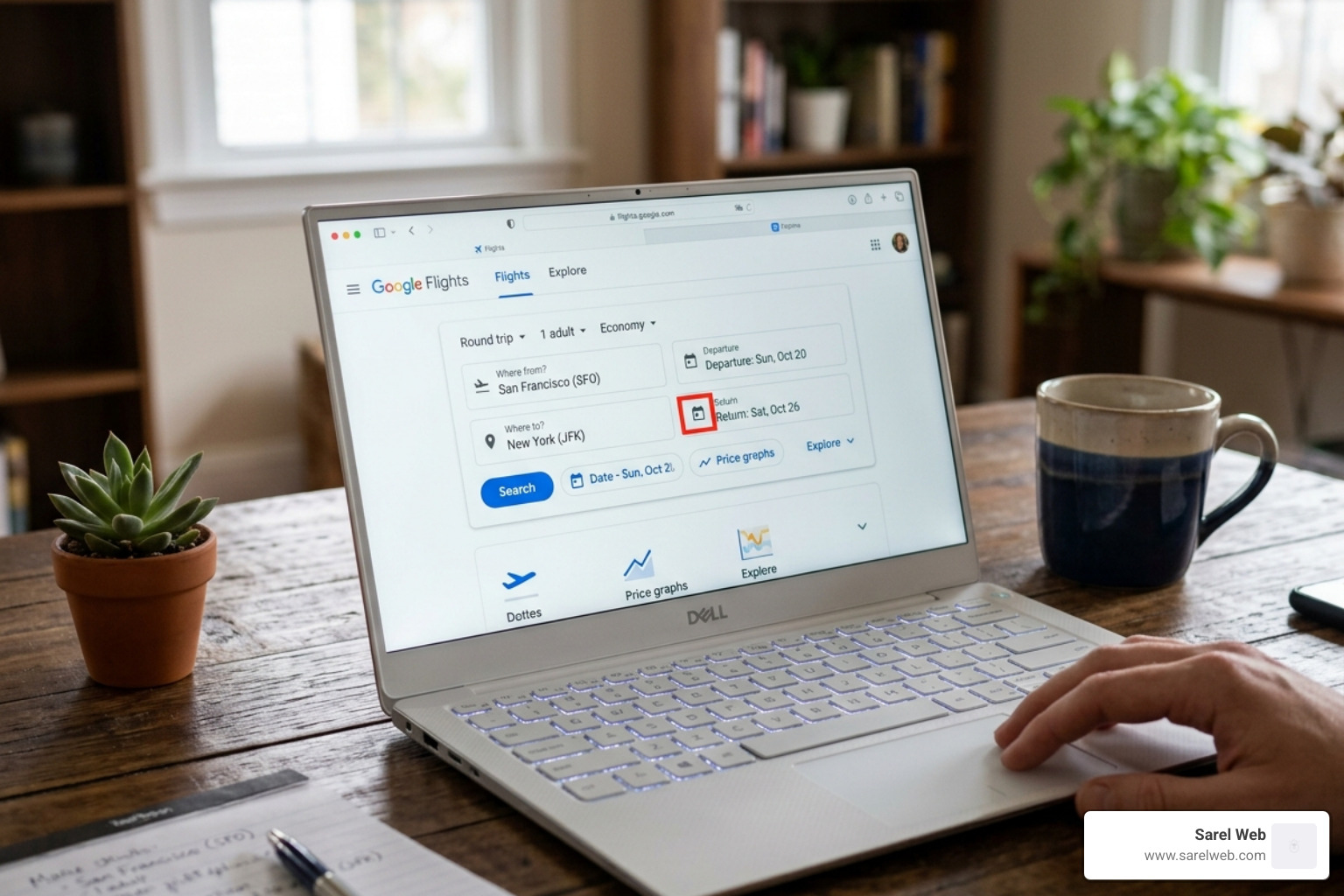
Start by entering your origin city and your destination. As of April 2026, Google’s interface is cleaner than ever, allowing you to input multiple airports if you’re willing to drive a bit further to save a lot more. Once you’ve entered your search parameters—including the number of passengers and your preferred class—you’ll see a list of “Best departing flights.”
The magic happens with the toggle switch. Located just above the search results, you will see a button labeled “Track prices.” By clicking this, you integrate the search with your Gmail. From that moment on, Google is working for you in the background.
Setting Up Google Flight Alerts for Specific Dates
If you have a fixed itinerary—say, a wedding in Italy or a business conference in Tokyo—tracking specific dates is the way to go.
- Select your exact departure and return dates.
- Choose your preferred flights if you want to track a specific itinerary (like a Delta nonstop vs. a United layover).
- Toggle the “Track prices” switch.
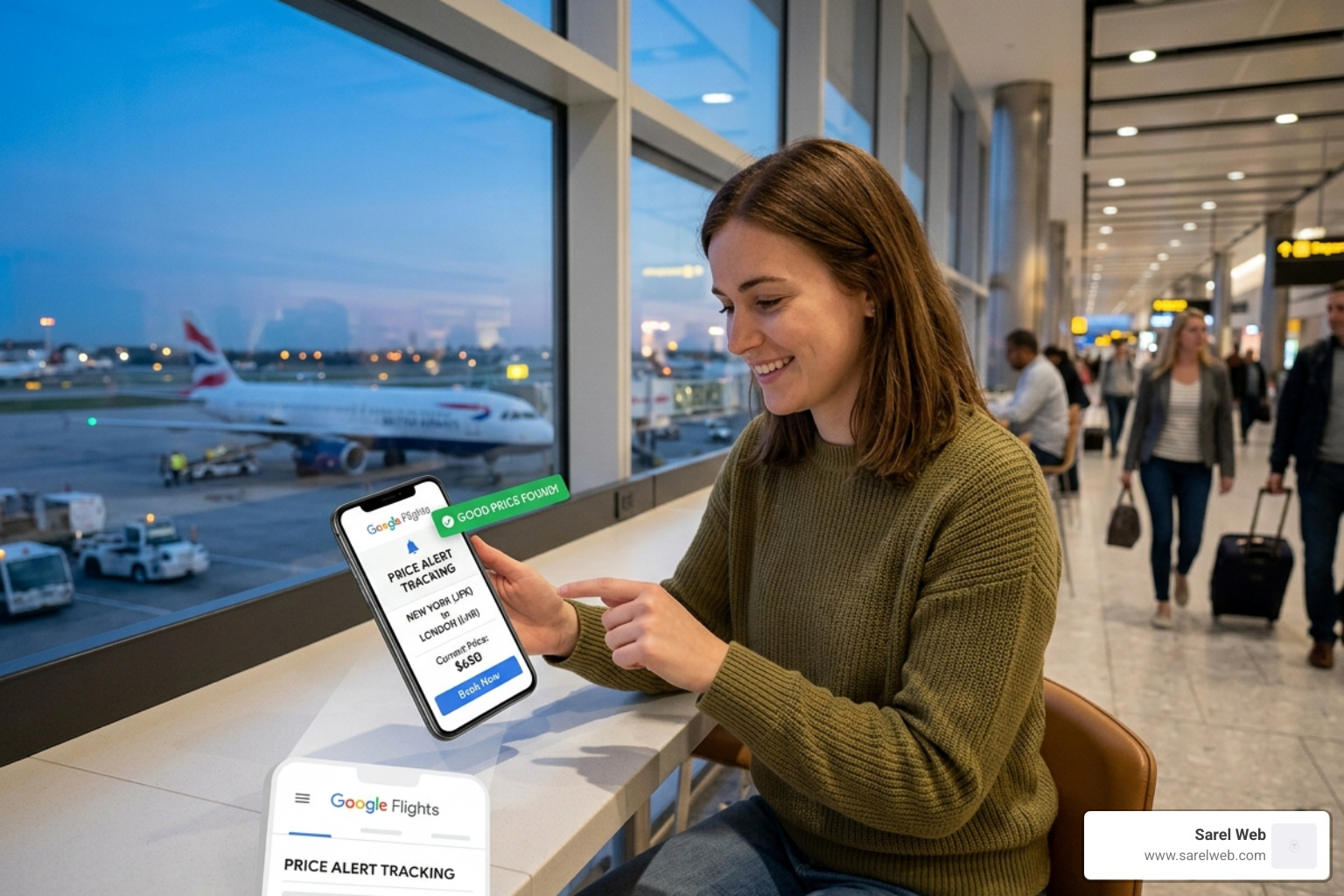
Tracking specific dates gives you a high level of booking confidence. You can watch the price graph to see how the fare for those exact days has moved. If the graph shows the current price is in the “green” zone (lower than usual), it’s time to book. If it’s in the “red,” set the alert and wait for that notification to hit your inbox.
Finding Deals with Flexible Google Flight Alerts
For the true bargain hunters among us, flexibility is the ultimate currency. If you know you want to visit London sometime in the fall but don’t care which week, you can set alerts for “Any dates.”
When you select this option, Google monitors the minimum price for that route over the next several months. You’ll receive an email if the price for any 1-week or 2-week trip drops significantly.
In 2026, Google has also integrated AI-powered deals. You can now use natural language in the “Explore” feature. For example, you can tell Google, “Find me a week-long ski trip to a world-class resort this winter,” and the AI will identify the best bargains across multiple destinations, allowing you to set alerts for the most promising leads.
Refining Results with Advanced Search Filters
Receiving too many emails? The secret to a peaceful inbox is using filters. Google flight alerts only track what you tell them to. If you hate layovers, don’t set a broad alert that includes them.
Before you hit that track toggle, refine your search:
- Stops: Filter for “Nonstop only” if you refuse to spend four hours in an airport lounge.
- Bags: In 2026, “Basic Economy” often doesn’t include a carry-on. Use the bag filter to see the real price including your luggage.
- Airlines: If you’re a loyalist to a specific alliance or want to exclude a budget carrier you dislike, check those boxes first.
- Price Graph: Use this tool to see if moving your trip by just one or two days could save you hundreds.
By applying these filters, your price alerts become laser-focused. You won’t get an alert for a “cheap” flight that actually involves two stops and an 11-hour layover in a city you weren’t planning to visit.
Why You Should Track Prices Even After Booking
This is the “pro move” that separates the amateurs from the experts. Most people stop looking at prices the moment they click “Purchase.” Do not do this.
During the pandemic, major U.S. airlines eliminated most change fees on Main Cabin fares, and that flexibility remains a standard in 2026. If you book a flight for $500 and the price drops to $350 two weeks later, you can often “rebook” that same flight. The airline won’t give you cash back, but they will give you a $150 travel voucher or eCredit to use on a future trip.
To make this work, you must avoid “Basic Economy.” Here is why:
| Feature | Basic Economy | Main Cabin |
|---|---|---|
| Change Fees | Usually non-changeable | $0 (on major US carriers) |
| Cancellations | No refund/credit | Travel credit allowed |
| Seat Selection | Assigned at gate | Included |
| Price Protection | None | High (via rebooking) |
By keeping your google flight alerts active after you book, you’re essentially giving yourself a “Price Match Guarantee.” If that notification pops up saying your flight just dropped by $100, log in to the airline’s site, change your flight to the exact same one, and pocket the credit.
Limitations and Pro-Tips for 2026
While Google Flights is incredibly powerful, it isn’t perfect. The biggest limitation remains Southwest Airlines. Southwest generally does not share its pricing data with third-party search engines. If you’re flying a route where Southwest is a major player, you’ll need to check their site manually.
Another tip: Manual verification. While Google is reliable, email notifications can occasionally lag. If you are serious about a specific deal, we recommend checking your “Tracked Prices” page manually once every few days.
Optimal Booking Windows for 2026:
- Domestic Flights: Start tracking 3 months out; aim to book 1–6 weeks before departure.
- International Flights: Start tracking 6–8 months out; aim to book 3–5 months before departure.
Google also provides “Predictive Insights.” These are notifications that tell you a fare is “likely to increase” soon based on historical trends. While not a crystal ball, Google’s confidence level in these predictions is surprisingly high, often helping you decide whether to pull the trigger or wait one more day.
Frequently Asked Questions about Flight Tracking
Do I need a Gmail account to receive alerts?
Yes. Because the alerts are sent via email and integrated into your “Google Travel” dashboard, a Google (Gmail) account is required. This allows you to sync your tracked flights across your phone, tablet, and laptop.
How do I turn off or delete my tracked flights?
Easy! Go to the Google Flights menu (the three horizontal lines in the top left) and select “Tracked flight prices.” From there, you can see a list of every alert you have active. You can toggle off the email notifications or click the trash can icon to delete the tracker entirely.
Which airlines are not included in Google Flight alerts?
As mentioned, Southwest Airlines is the most notable exclusion. Additionally, some very small regional carriers or ultra-low-cost carriers in foreign markets may not always show up in real-time. However, for 95% of global travel, Google has you covered.
Conclusion
At Sarel Web, our mission is to help you “Descubra o mundo sem gastar muito”—discover the world without spending a lot. Using google flight alerts is the single most effective way to ensure your travel budget goes toward experiences and local food rather than overpaid airfare.
By setting up trackers, staying flexible, and continuing to monitor prices even after you’ve booked, you take control of the travel process. Don’t let airline algorithms dictate your vacation budget. Set your alerts, wait for the drop, and book with confidence.
Ready to find your next budget destination? Discover the world without overspending at Sarel Web and let us help you plan an unforgettable, affordable journey. Happy travels!
